Offsite Blog
How Offsite works, one topic at a time.
New posts by email
You confirm your address once, and every email has an unsubscribe link. Sent with Buttondown, see the privacy policy.
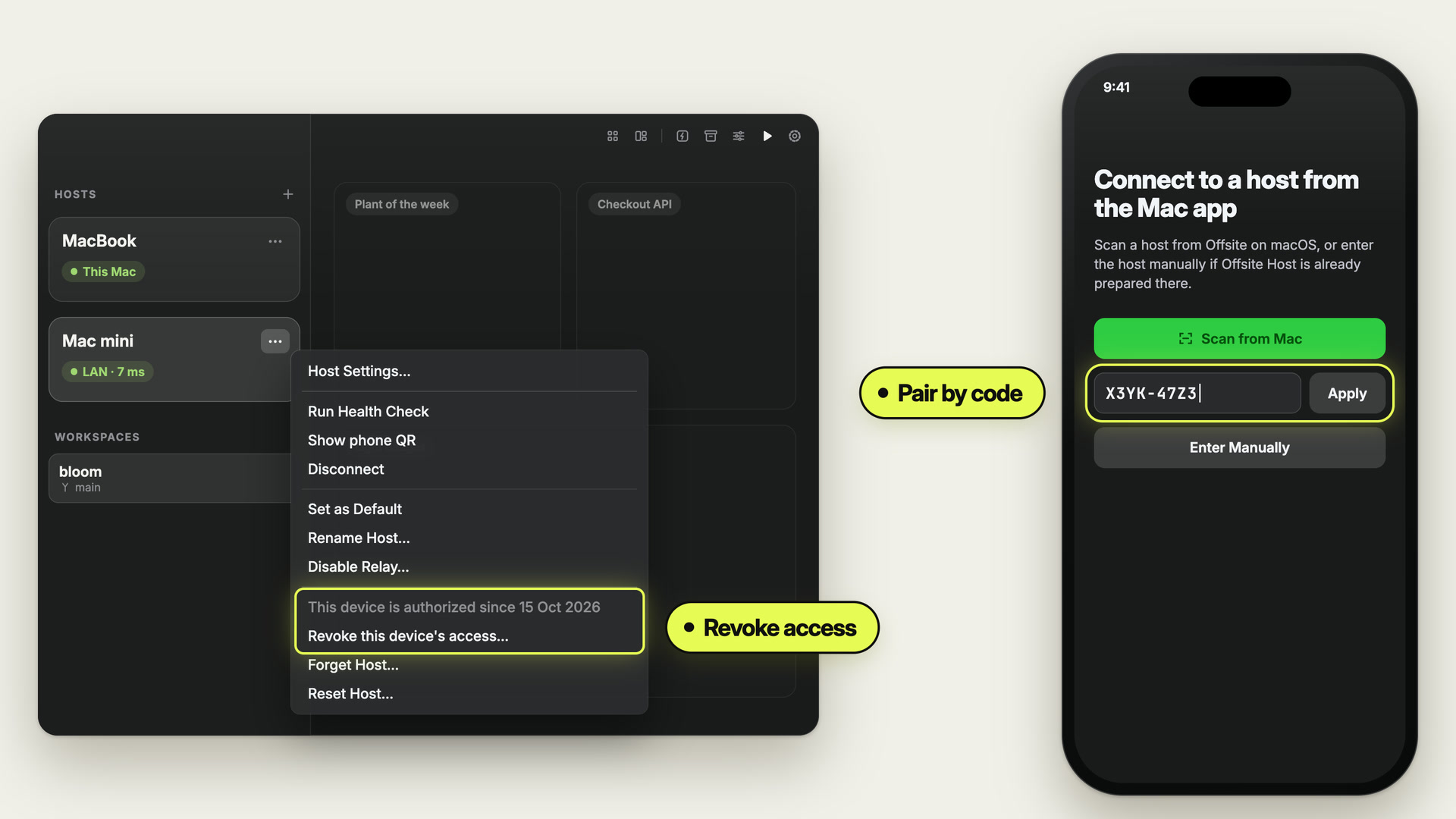
Pair a device by code, revoke it from the host menu
A new phone, a Linux server without the Mac app, a password you are tired of typing: in Offsite every device gets its own key for your host, by QR or by a short code, and two clicks take that access back.
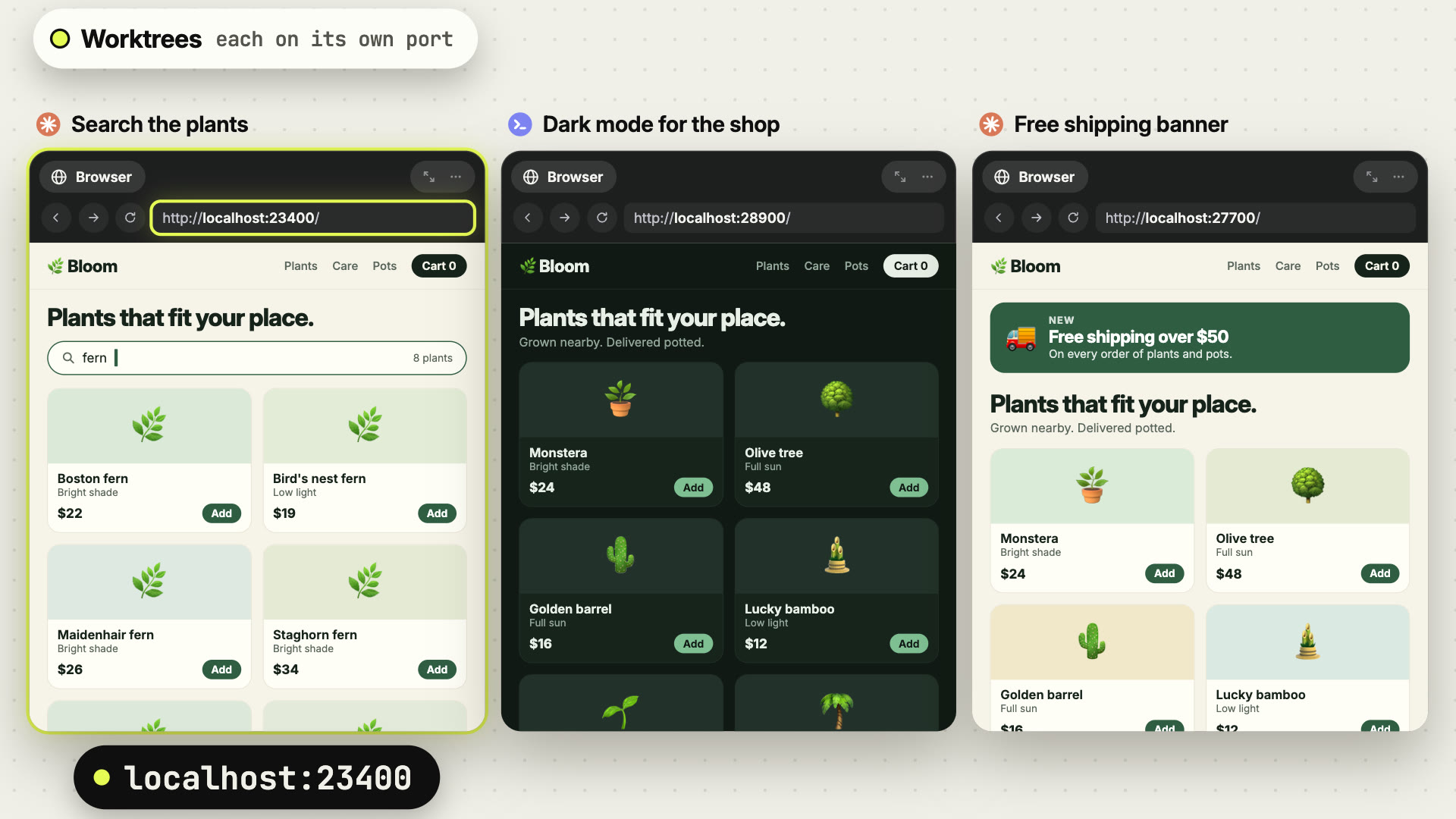
Parallel agents and worktrees: where the debate stands, and how Offsite handles them
Two agents in one folder edit the same files and both want port 3000. A worktree per agent separates the code, and Offsite brings the dependencies, ports, setup and cleanup that each worktree needs.
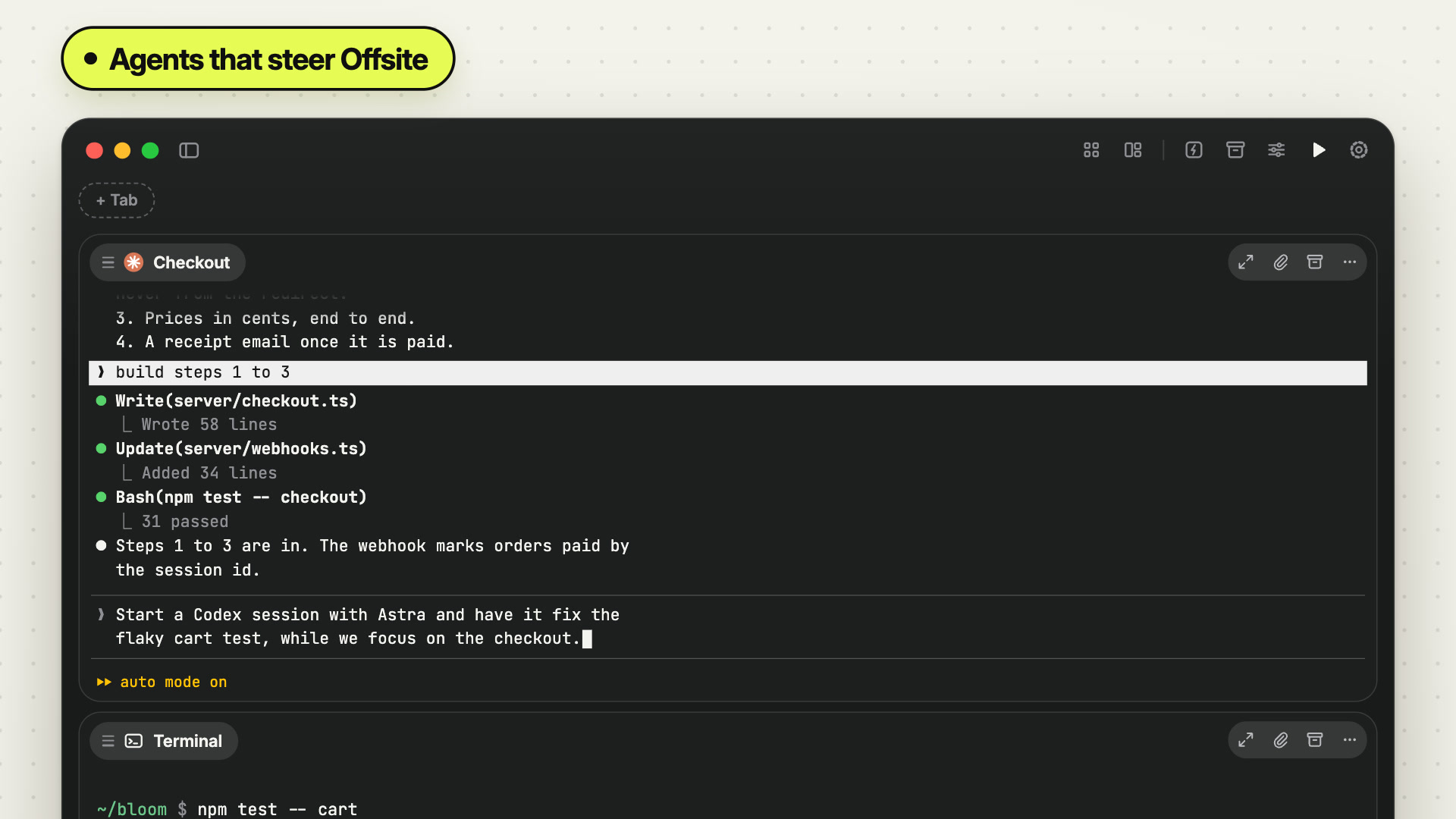
Tell one agent to start another
You are with Claude on the checkout, and a second problem needs Codex: you stop, open a card, pick the model and write the brief. In Offsite you tell Claude, and it opens a Codex card beside its own with the model you named and writes the brief, as a fresh session or as a fork of your conversation. By voice from the phone, too.
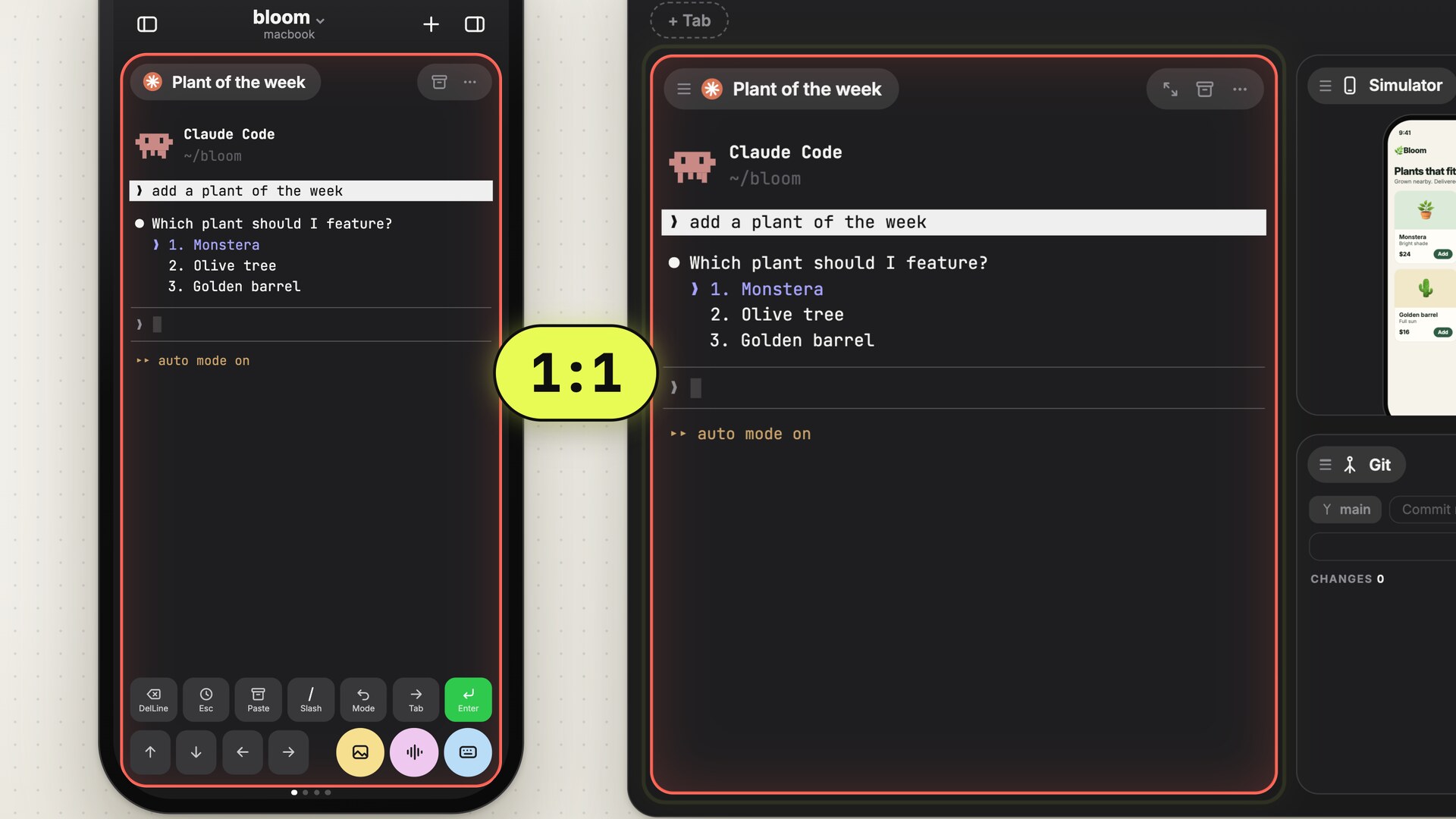
Claude Code on your iPhone: every way to do it, compared
Claude Code needs you for a moment, and you are away from the desk. Every way to reach it from an iPhone, from SSH and mosh to Remote Control, compared.
How to keep your MacBook awake with the lid closed
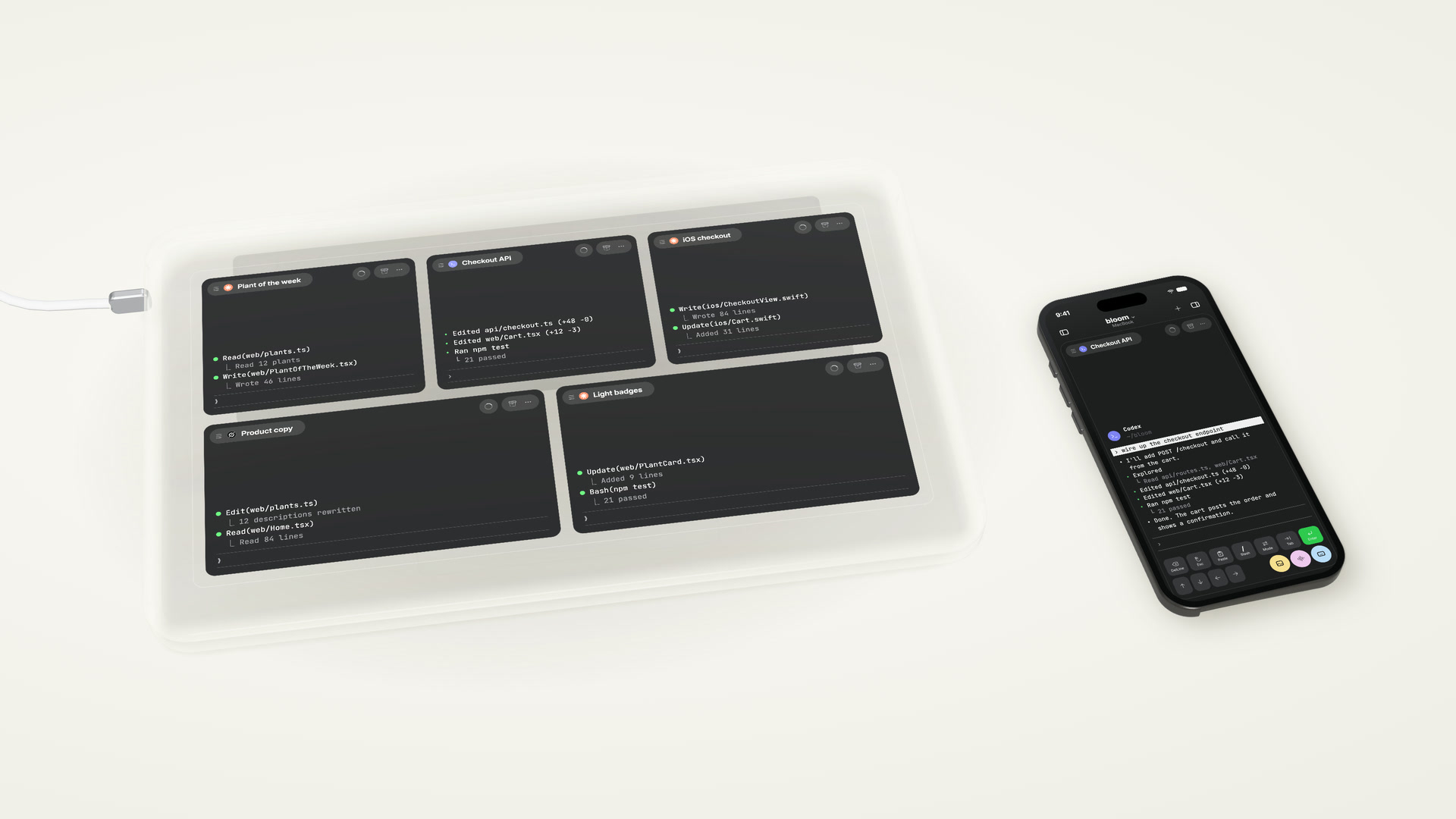
Close the lid and your MacBook sleeps, and the build or agent on it stops. Every way to keep it awake: settings, caffeinate, pmset, clamshell mode and apps.
No global scope: Offsite leaves your tools as you set them up
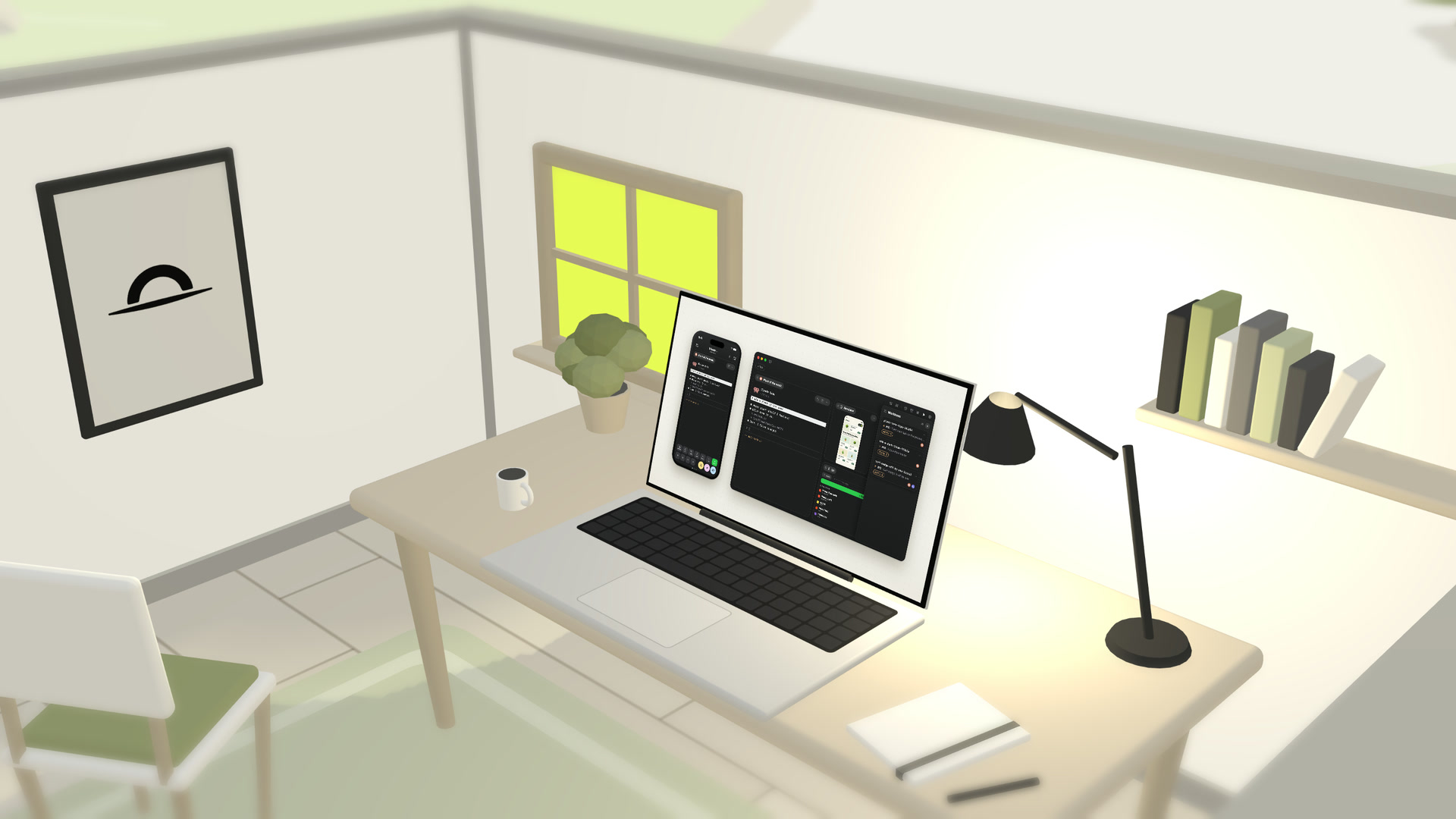
Tools around coding agents like to put hooks, MCP servers and skills into your global config, where they outlive the tool. Offsite hands everything it needs to the session it starts, and your own setup for tmux, Claude Code, Codex and your shell stays the one you wrote.
Testing on the go: close the loop from wherever you are
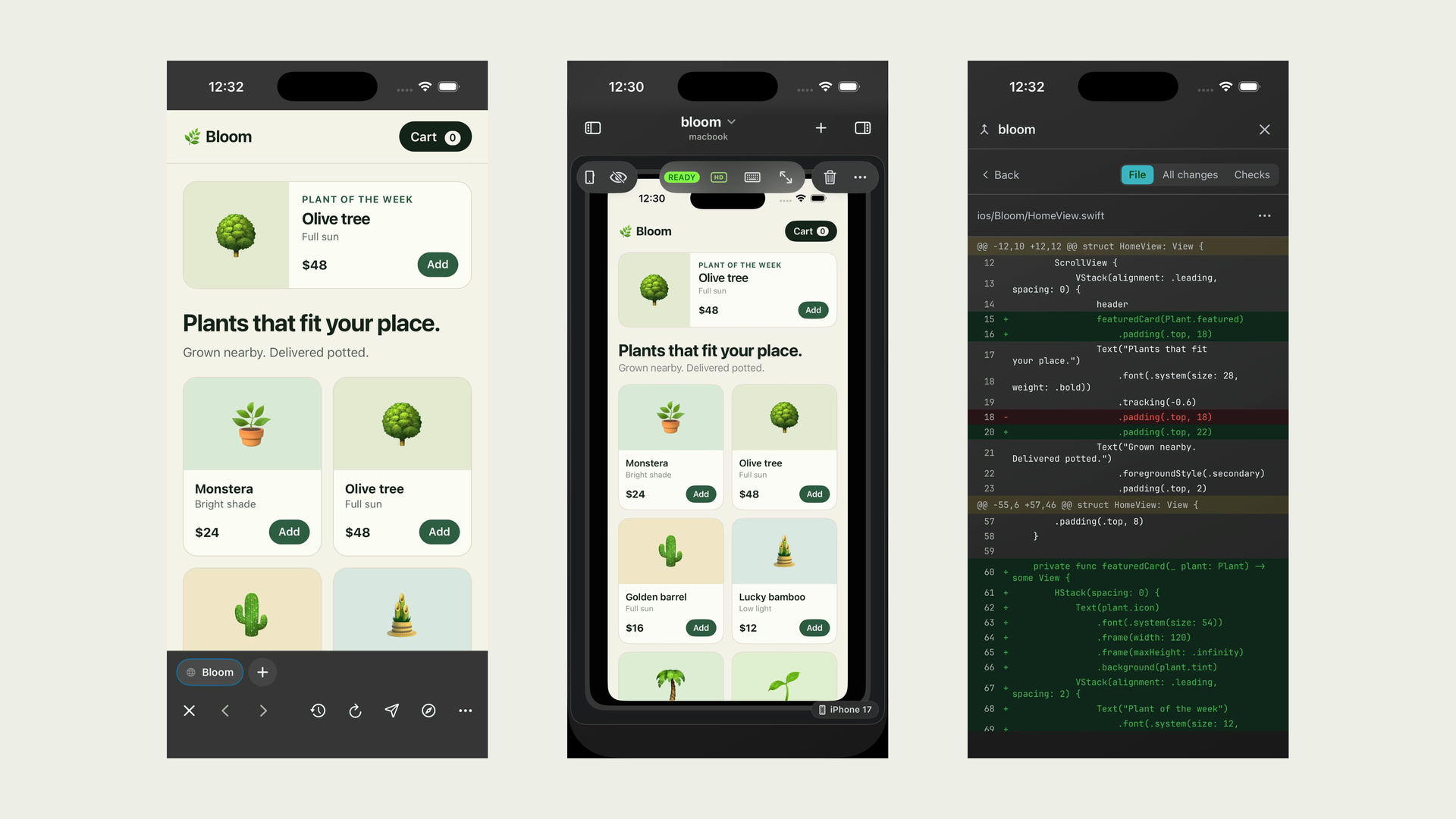
Steering an agent from your phone is easy today. Trying what it built is where work away from the desk stalls. Offsite brings the build to the device in your hand: the dev server through a tunnel, the agent’s own browser, the Simulator, the app on your iPhone, and Git to ship it.
The board: every agent at a glance, any one of them in focus
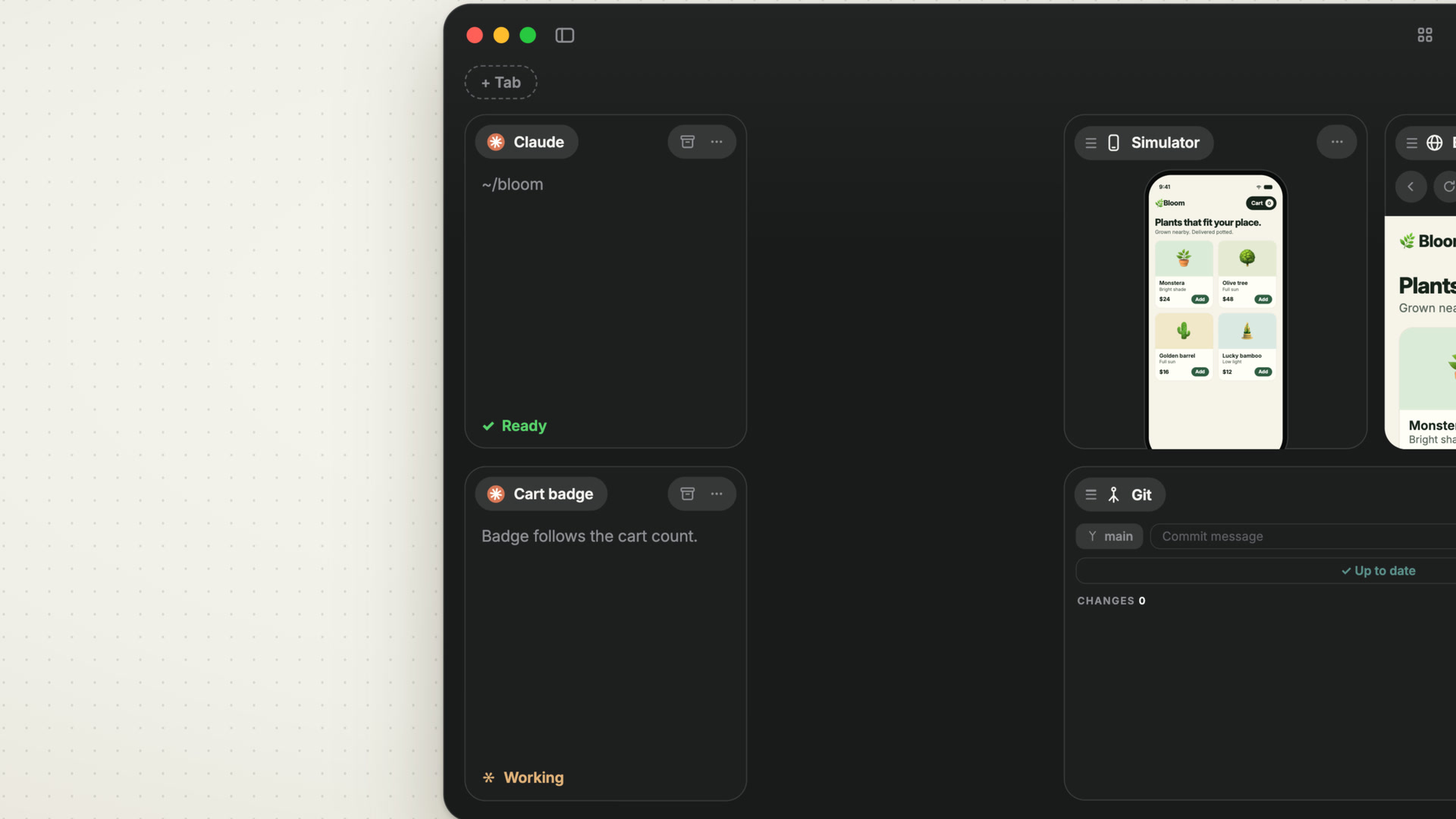
With several agents running, a tab bar shows you one of them and windows bury each other. The board keeps every agent in view as a card, Focus mode takes you into one conversation and back out, and the work moves on to the Icebox and the Archive as it progresses.
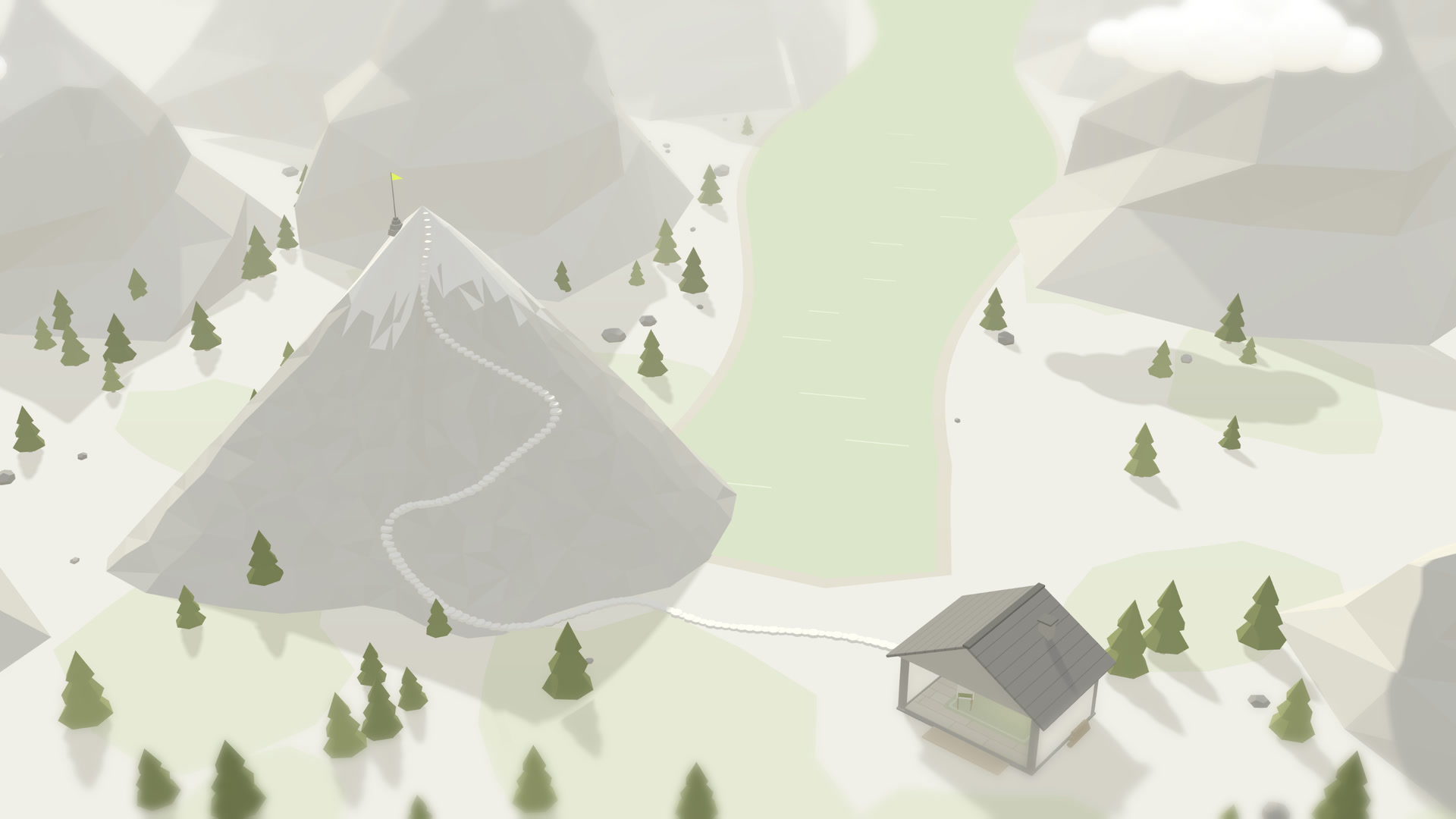
The relay: your host from any network, with nothing in it to read
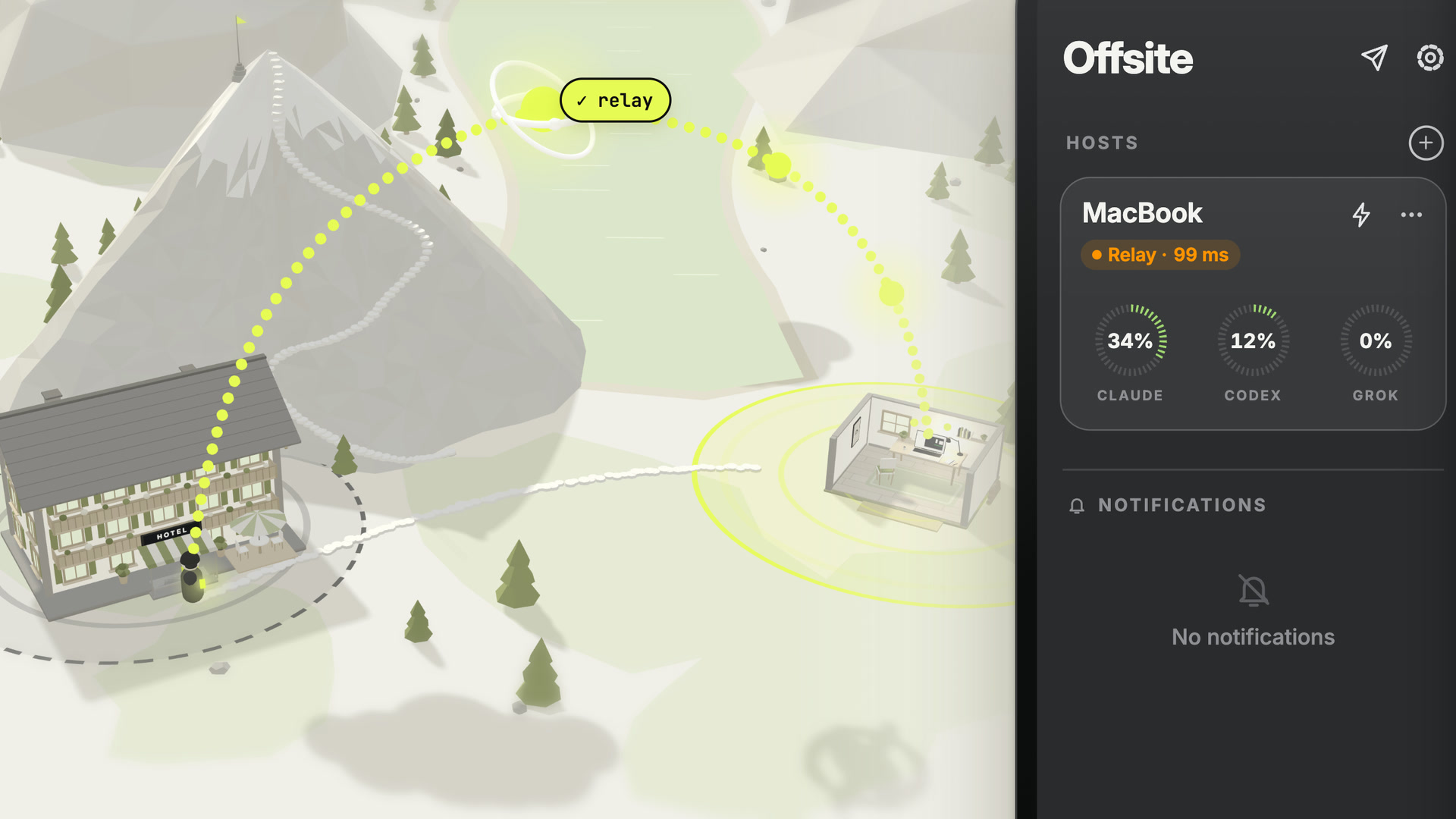
In a hotel Wi-Fi, on mobile data behind carrier NAT or in an office that lets nothing in, no direct path reaches your host. The relay does, with one switch per host, and it only ever carries SSH it cannot decrypt.
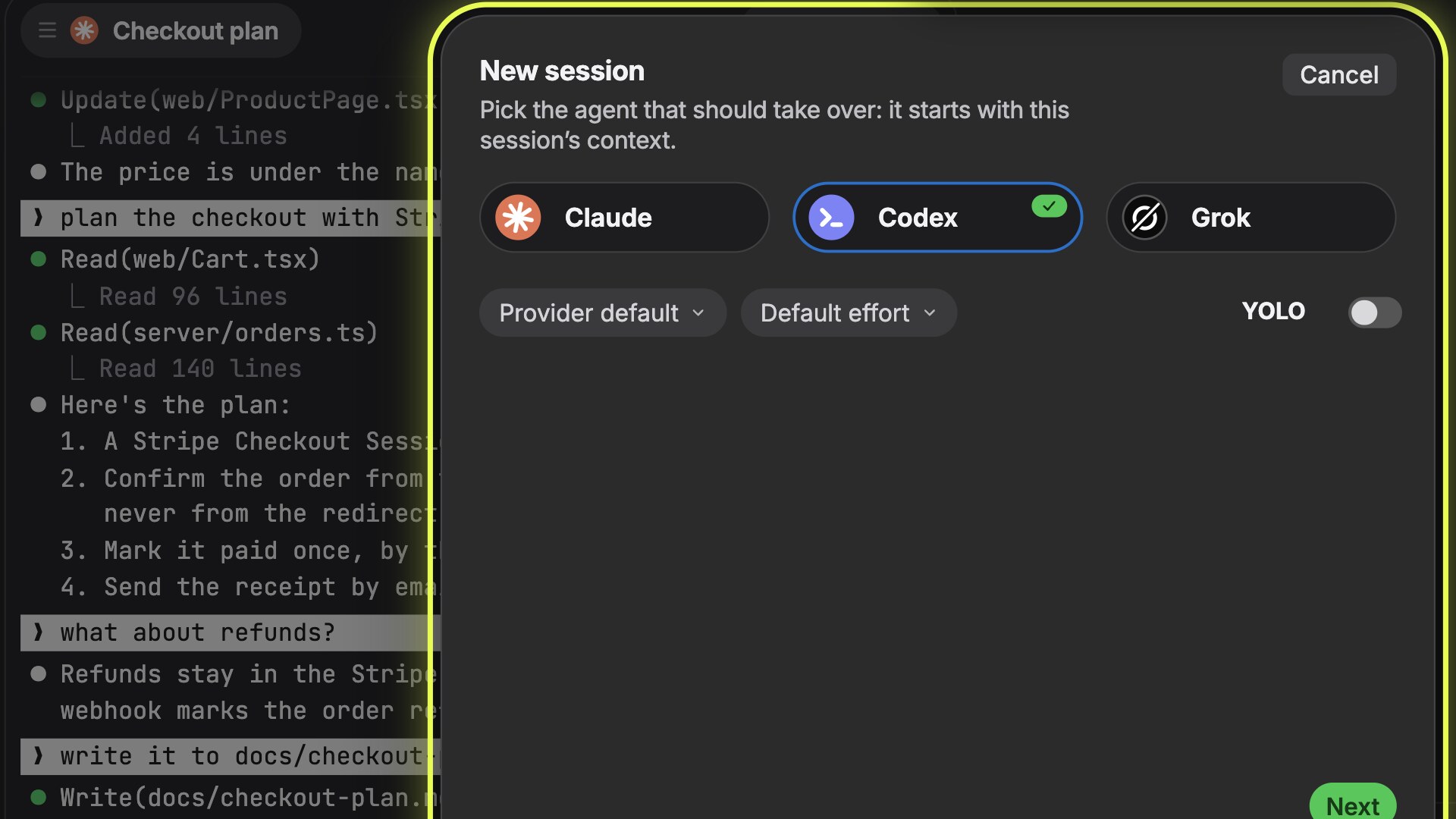
This month in agentic coding: October 2026
Claude Opus, Sonnet and Haiku 5.5, GPT-6 Sol and Luna in Codex, Grok 4.7, AGENTS.md in Claude Code and a status protocol for terminals, with sources.
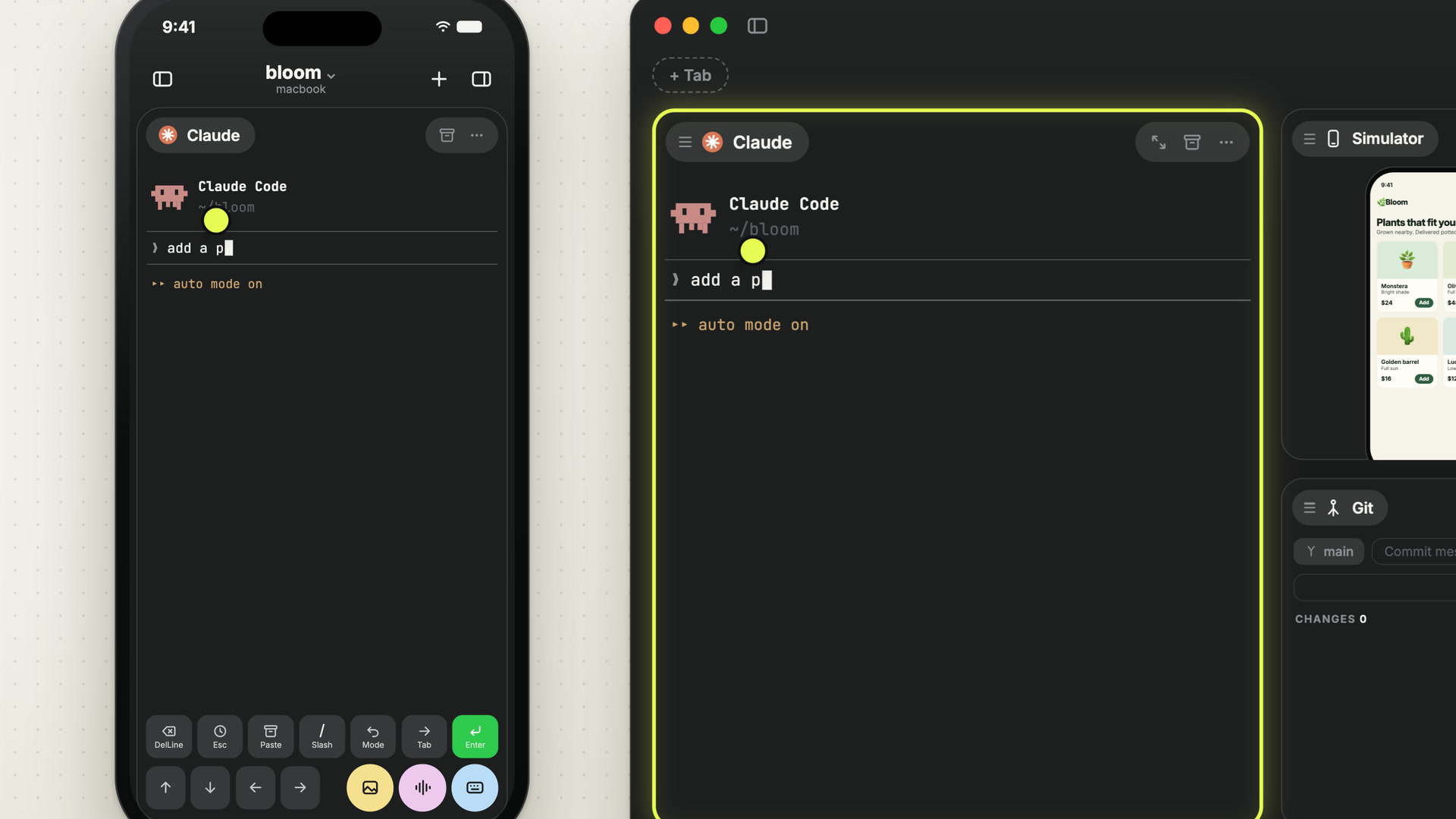
Three bets behind Offsite
The best agent changes from month to month, and the work around agents is moving off the desk. Offsite is built on three bets: the labs’ own CLIs side by side, every device in sync so that going from desk to phone costs nothing, and native apps.
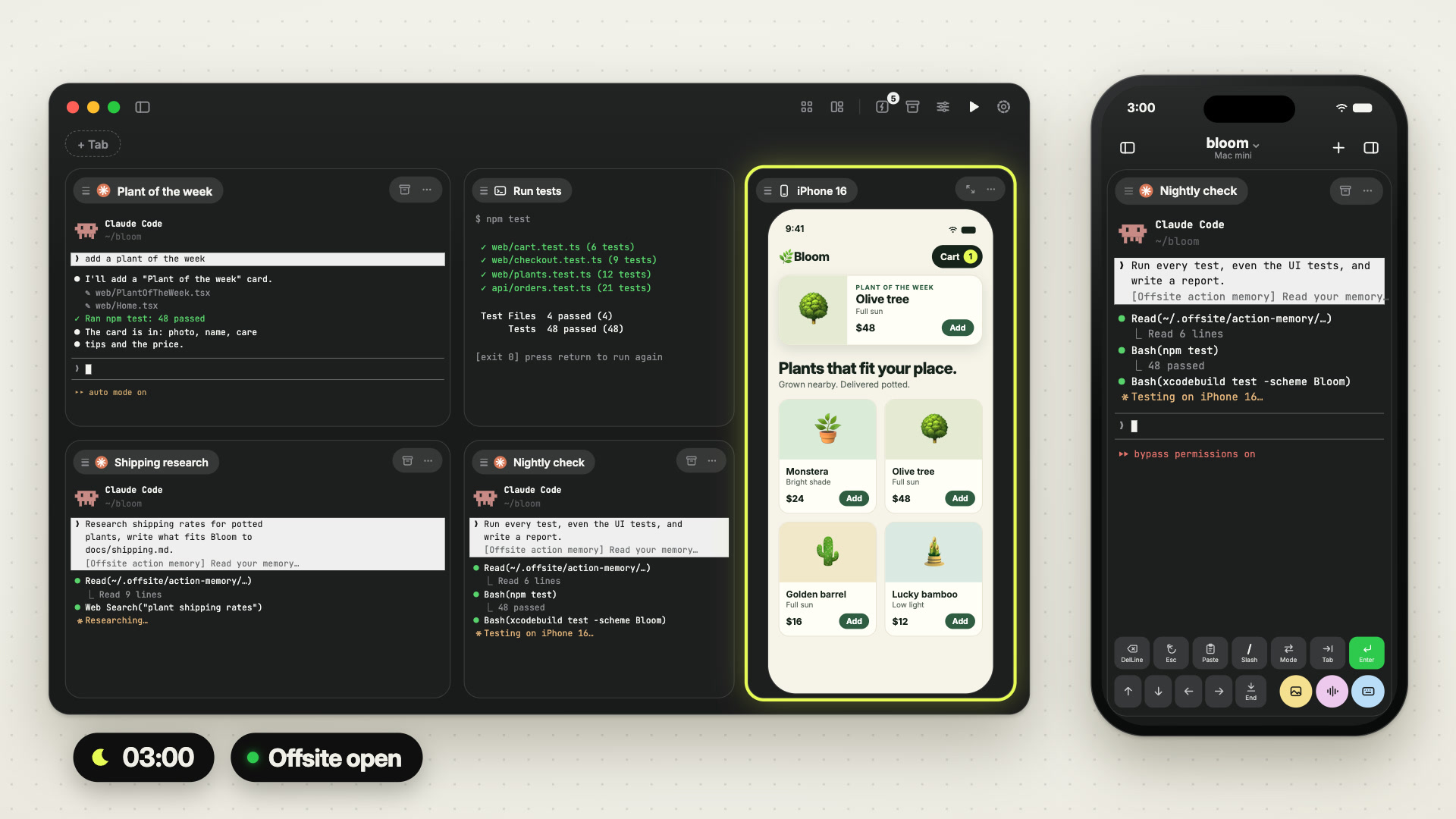
Workspace Actions: the jobs you repeat, saved once
Every project has jobs you start again and again: the test suite, the dev server, the morning look at what broke overnight. Workspace Actions save them per workspace, start them with one tap on any device, and let the host run them on a schedule.
How your phone reaches your host, on any network
Your agents build on your Mac at home, and you keep working from your phone wherever you are. Offsite tries every path to your Mac at once, takes the first that answers, and shows you which one it is.
The Agent Browser: your agent checks its own work
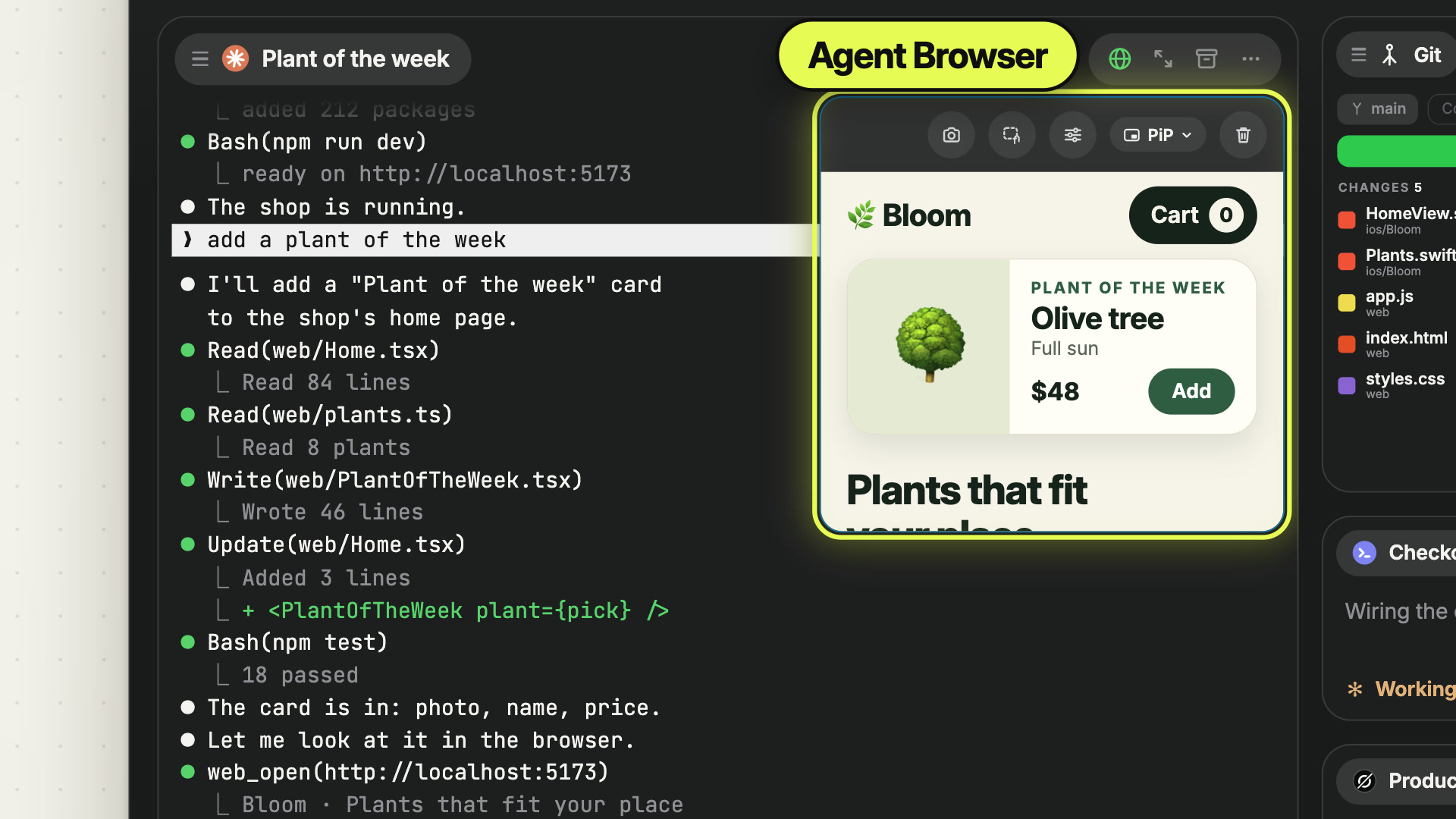
Your agent builds a web app on your host, and to check it, it needs a browser there. The Agent Browser is that browser, on the agent’s own card, and you watch it work from your Mac or your phone.
The Browser card: your host’s localhost on every device
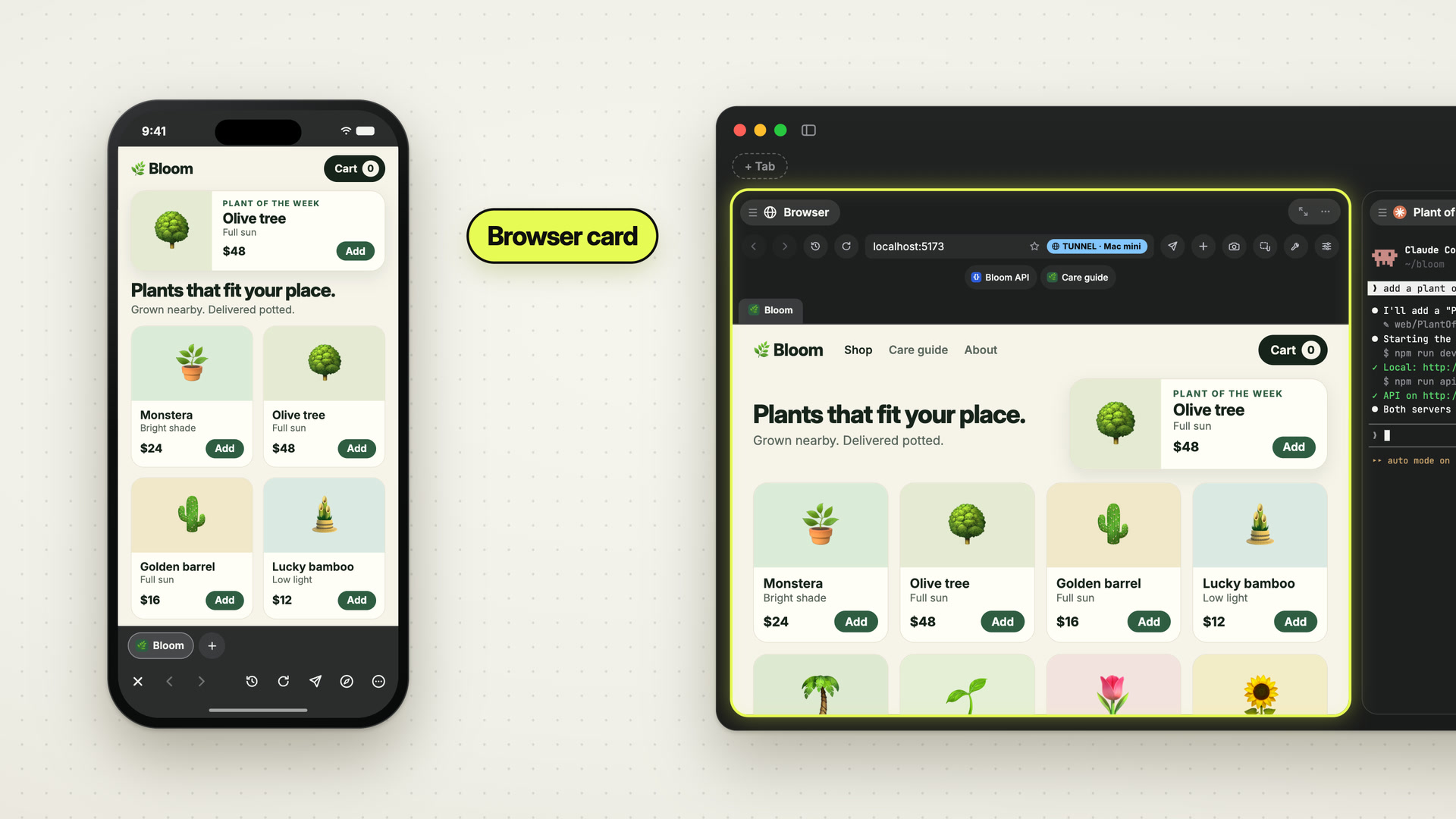
Your agents run dev servers on your host, and from anywhere else its localhost is out of reach. The Browser card opens them on your Mac and your phone, with the same tabs on both.