

Always reachable
By default the Offsite agent runs in your login session. That is enough for most days: the host answers while you are logged in, and sessions survive the app closing, the network dropping and the lid closing.
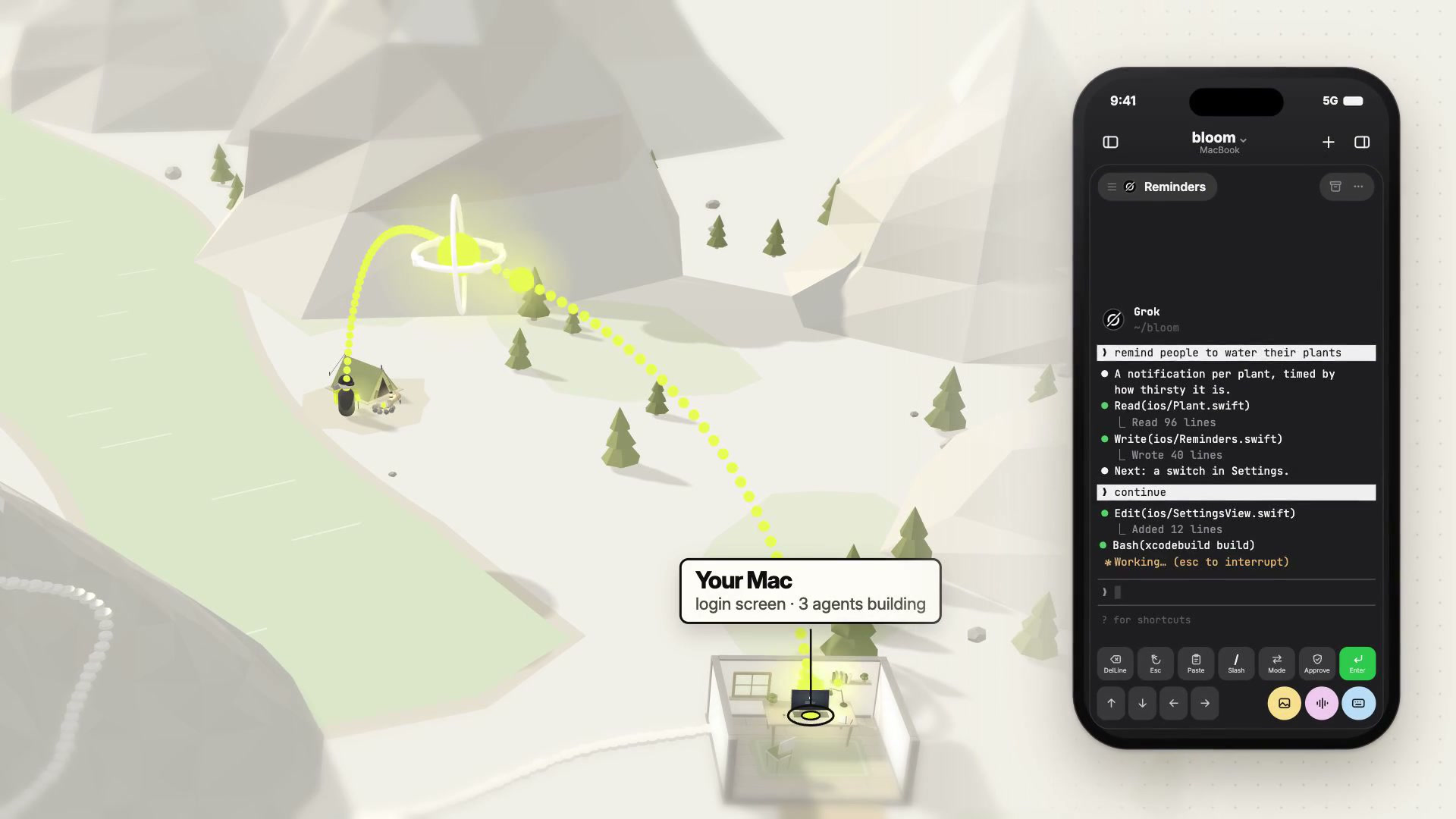
It is not enough for one case: the machine restarts while you are away, and nobody logs in. Always reachable fixes that case. In the app it is called Always on.
 0:58
0:58
What it does
Section titled “What it does”Offsite registers its agent as a system service, so the host comes back on its own after a restart, before any user logs in, and your devices can start sessions there while nobody is logged in. On a Mac, the same step installs the helper that keeps the host awake.
| Platform | Mechanism |
|---|---|
| macOS | a LaunchDaemon, installed once with your administrator password |
| Linux | a systemd user service plus loginctl enable-linger <user> |
Setup offers it on a page of its own, Always on, right after the host is installed. Later, it is under Host Settings › Always on › Enable….
What it costs
Section titled “What it costs”- One administrator prompt on macOS, at the moment you enable it. macOS shows it as “Offsite wants to make changes.”
- A background item. macOS will notify you that software from “RapidRocket GmbH” can run in the background — that is the certificate holder, which is Offsite’s publisher. You can review it under System Settings › General › Login Items & Extensions.
Declining costs you nothing else: the rest of Offsite keeps working and the host stays reachable while you are logged in.
What it pairs with
Section titled “What it pairs with”Always reachable covers the login: the host answers even when nobody is signed in at that machine. Two companions complete the picture:
- Keep the host awake — so a laptop with the lid closed stays available instead of sleeping.
- How your devices reach your host — the path your devices take to get there, from the same LAN to the relay.
Details
Section titled “Details”- Sessions survive a host restart in two steps: tmux sessions are recreated from
Offsite’s own session state, and each agent is resumed with its own CLI
mechanism (
claude --resume,codex resume), wired per tool. Offsite keeps an archive copy of the resume artefacts so a transcript cleanup on the CLI side cannot orphan a session. - The restore starts as soon as one of your devices connects to the host. Codex, Grok and terminal sessions come back right away.
- Claude Code keeps its sign-in in the macOS login keychain, which stays locked until someone signs in on the Mac. On a Mac host its sessions wait for that, and the apps show Waiting for Mac login to restore N sessions…. A Claude card also lets you unlock the keychain from your device with the Mac’s login password; the waiting sessions start right after.
- Reboot restore is Offsite’s own, rather than global tmux tooling
(
tmux-resurrect,tmux-continuum) — restore is owned by Offsite’s own state, so it never depends on your tmux configuration. - On Linux, a user service without lingering stops at logout.
loginctl enable-lingeris the whole difference between “survives reboot” and “survives until you log out”.